Screenshots
Description
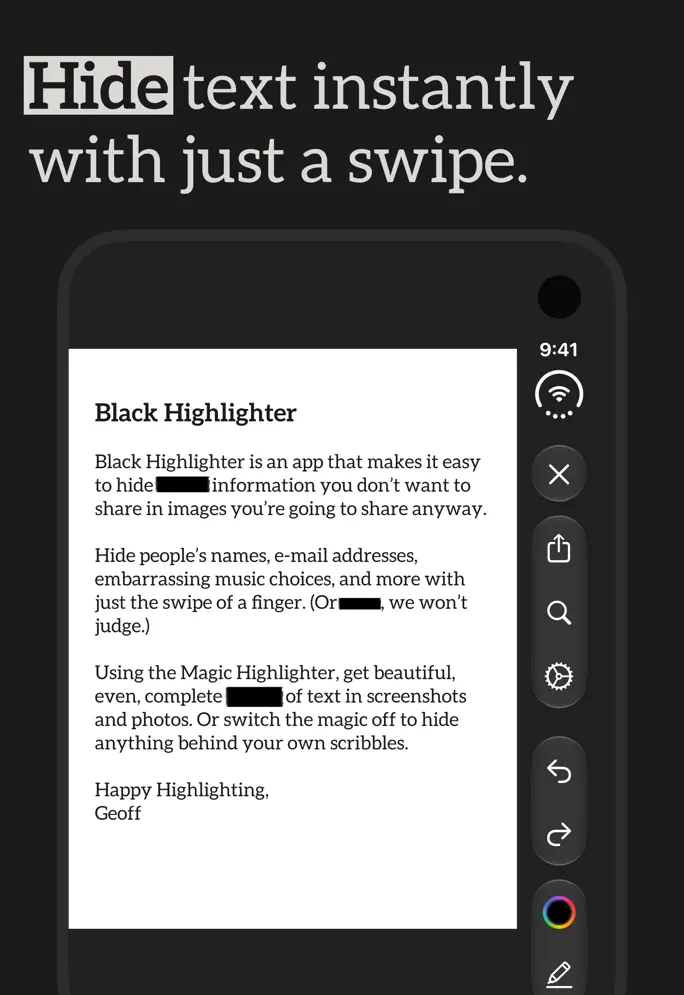
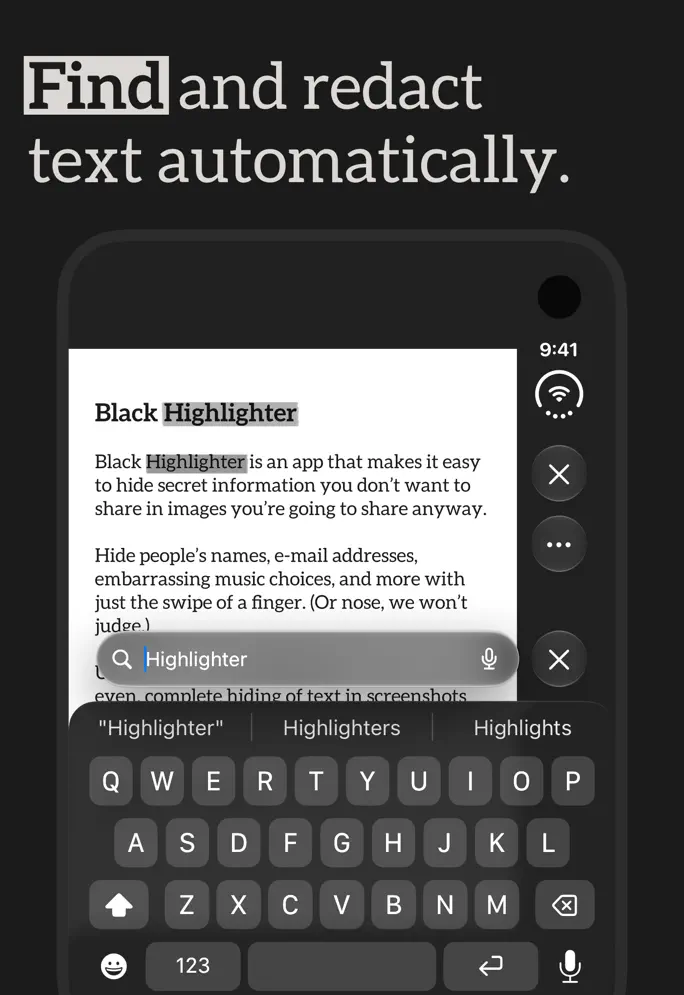
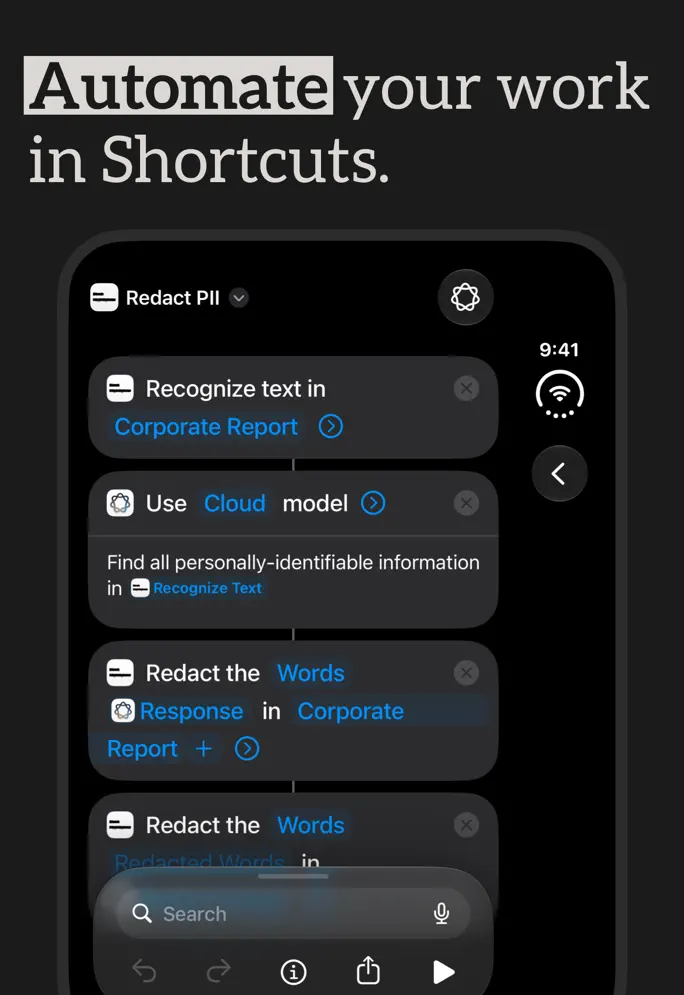
Share your images, not your secrets. Black Highlighter makes it ridiculously easy to hide sensitive information in your photos and screenshots. Just swipe over text with the Magic Highlighter, and it automatically snaps to cover everything perfectly—no more frantic scribbling or worrying if you missed a spot. Make redaction feel like magic. The Magic Highlighter automatically detects and snaps to text, making it easy to hide exactly what you want—nothing more, nothing less. Use multiple colors to match different backgrounds or indicate multiple speakers. Easily import images from Photos and share them immediately when you're done. Available for iPhone, iPad, and Mac, so you can redact no matter where you are. Work smarter, not harder. Want even more power? Ultra Highlighter unlocks automatic detection of sensitive information like names, addresses, and phone numbers. You can also add your own set of words to always redact automatically. Create custom Shortcuts to automate your redactions by automatically hiding personal details in screenshots instead of doing each one by hand. Use the document scanner to import and redact paper files using the power of the Magic Highlighter. Black Highlighter is provided under a standard EULA. Learn more at https://www.apple.com/legal/internet-services/itunes/dev/stdeula/
Release Notes
App Details
| Size | 20.3 MB |
|---|---|
| Initial release | |
| Price | |
| Platforms | Mac, iPhone, and iPad |
| Languages | English |
| Category | Photo & Video |
| Website | blackhighlighter.app |
| Compatibility | |
|---|---|
| iPhone | Requires iOS 15.0 or later. |
| iPad | Requires iPadOS 15.0 or later. |
| Mac | Requires macOS 12.0 or later. |
| Apple Vision | Requires visionOS 1.0 or later. |
More By This Developer
Similar Apps
App's data is regularly updated.
Last update: