Screenshots
Description
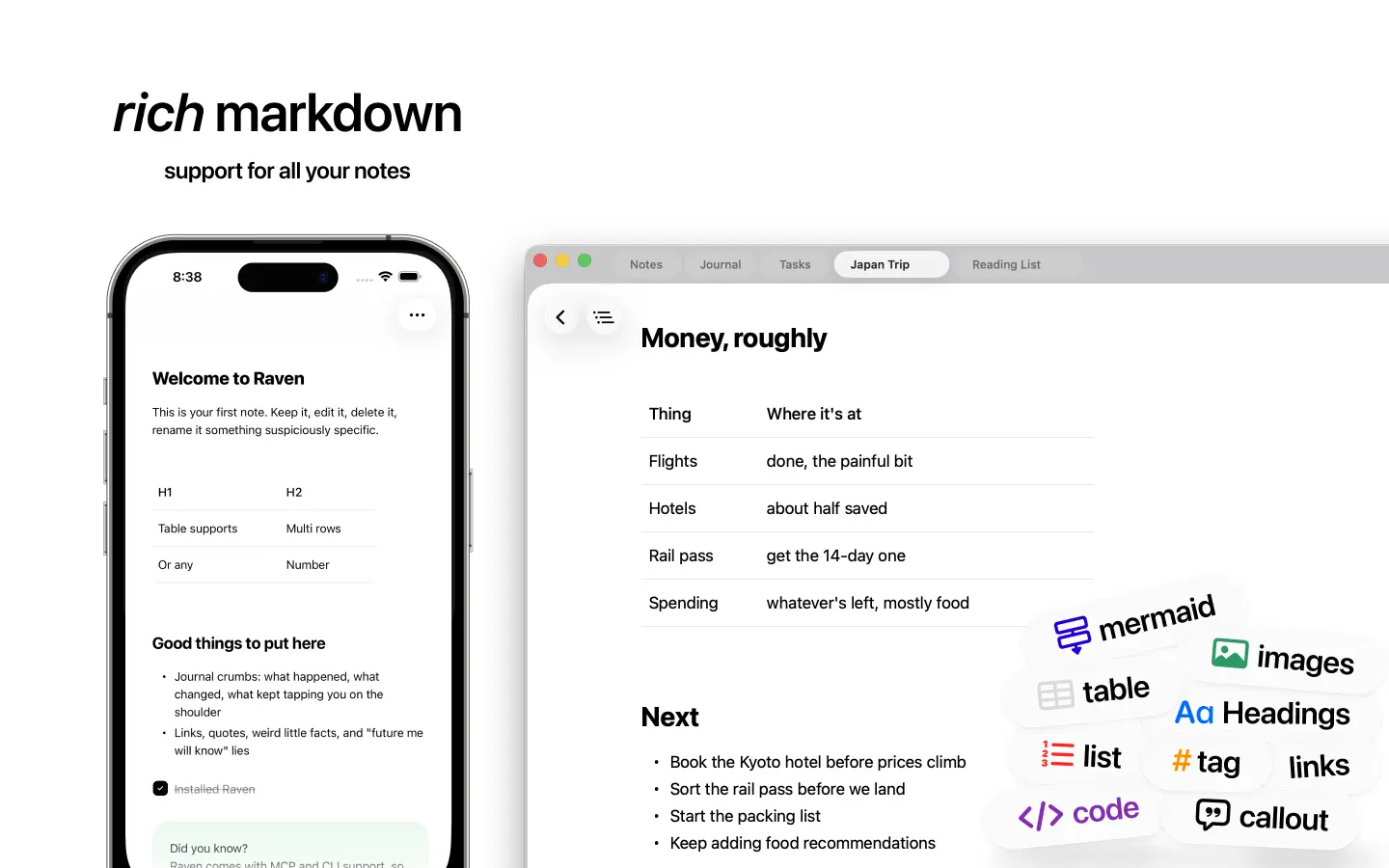
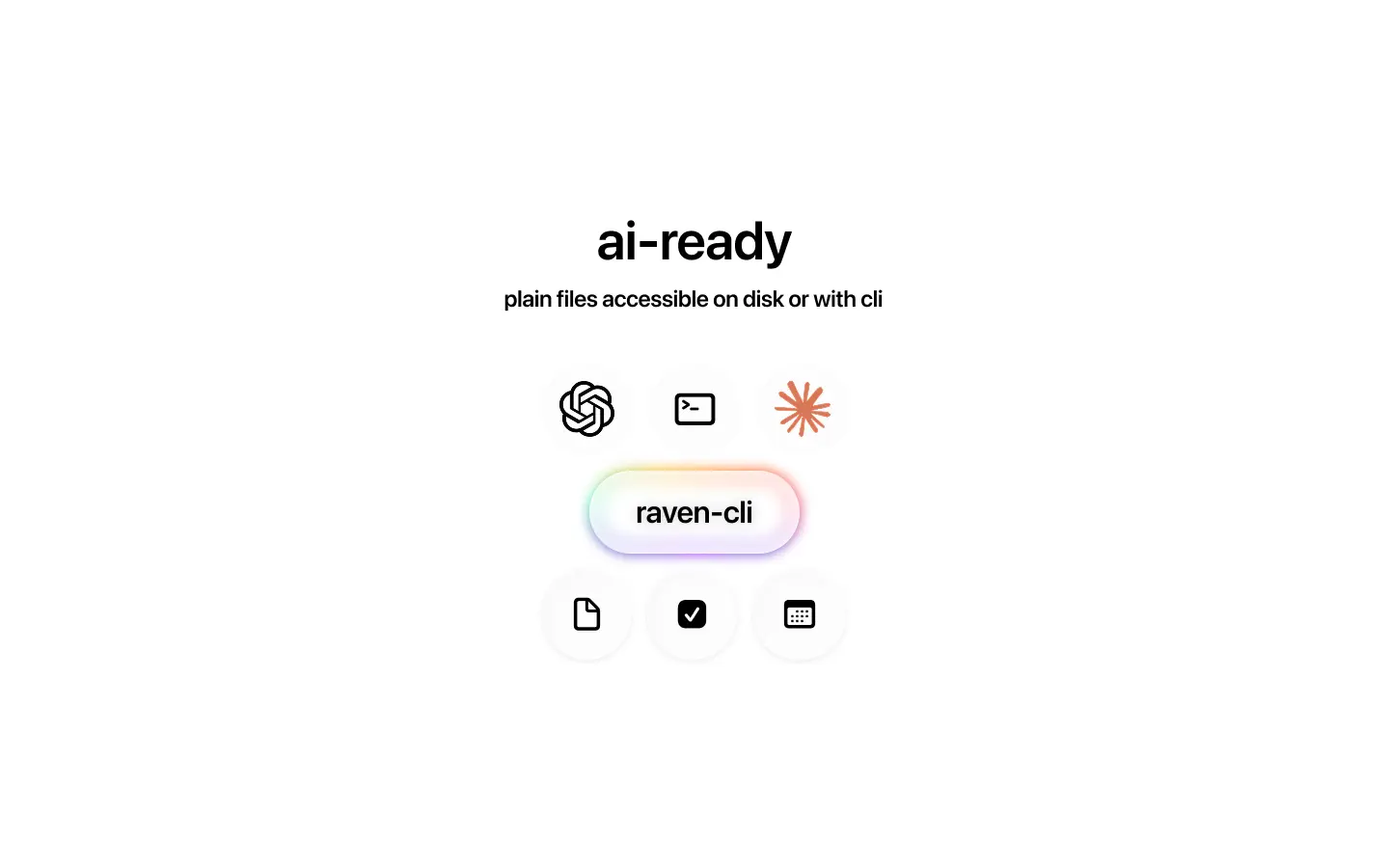
Markdown notes. Files you own. Raven is a native Markdown editor for iPhone, iPad, and Mac. Write notes, keep a journal, and manage tasks in plain text files you can open outside the app. Work offline without creating an account, with optional iCloud Drive sync. WRITE AND CONNECT YOUR NOTES Take lecture notes, plan a project, or build a personal wiki. Add headings, tables, images, checklists, and code blocks. Connect ideas with wiki links and backlinks, organize notes with folders and tags, and find your writing with full-text search. KEEP TASKS WITH THEIR CONTEXT Turn a checkbox into a task with a due date and time. See open tasks from across your notes together, with a link back to the original note. Set a local reminder, then complete or snooze it from the notification. MAKE ROOM FOR EVERYDAY WRITING Keep daily and weekly journals alongside your other notes. Capture a Quick Thought from widgets, Shortcuts, or the share sheet. Save articles to Read Later so they are easy to return to. KEEP YOUR MARKDOWN FILES Store notes on your device, choose a folder on Mac, or use iCloud Drive to keep the same Markdown files available across iPhone, iPad, and Mac. Your files stay accessible in Files and Finder, so you can keep using them with other tools. One purchase. No subscription. Privacy policy: https://ravennotes.app/privacy
Release Notes
App Details
| Size | 134 MB |
|---|---|
| Initial release | |
| Price | $9.99 |
| Platforms | Mac, iPhone, and iPad |
| Languages | English, French, German, Japanese, Korean, Portuguese, Chinese, and Spanish |
| Category | Productivity |
| Website | ravennotes.app |
| Compatibility | |
|---|---|
| iPhone | Requires iOS 26.0 or later. |
| iPad | Requires iPadOS 26.0 or later. |
| Mac | Requires macOS 26.2 or later and a Mac with Apple M1 chip or later. |
More By This Developer
Similar Apps
App's data is regularly updated.
Last update: