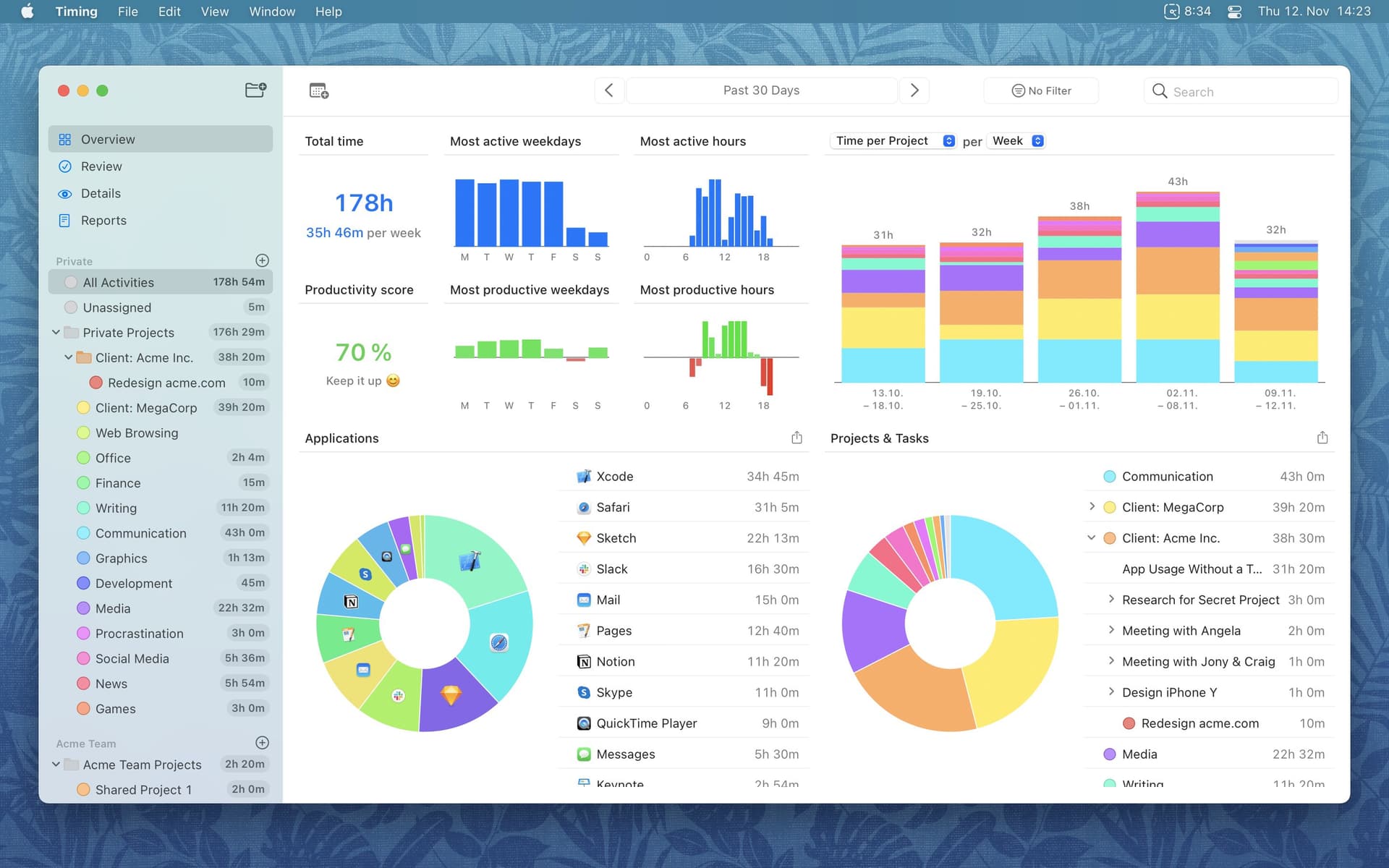
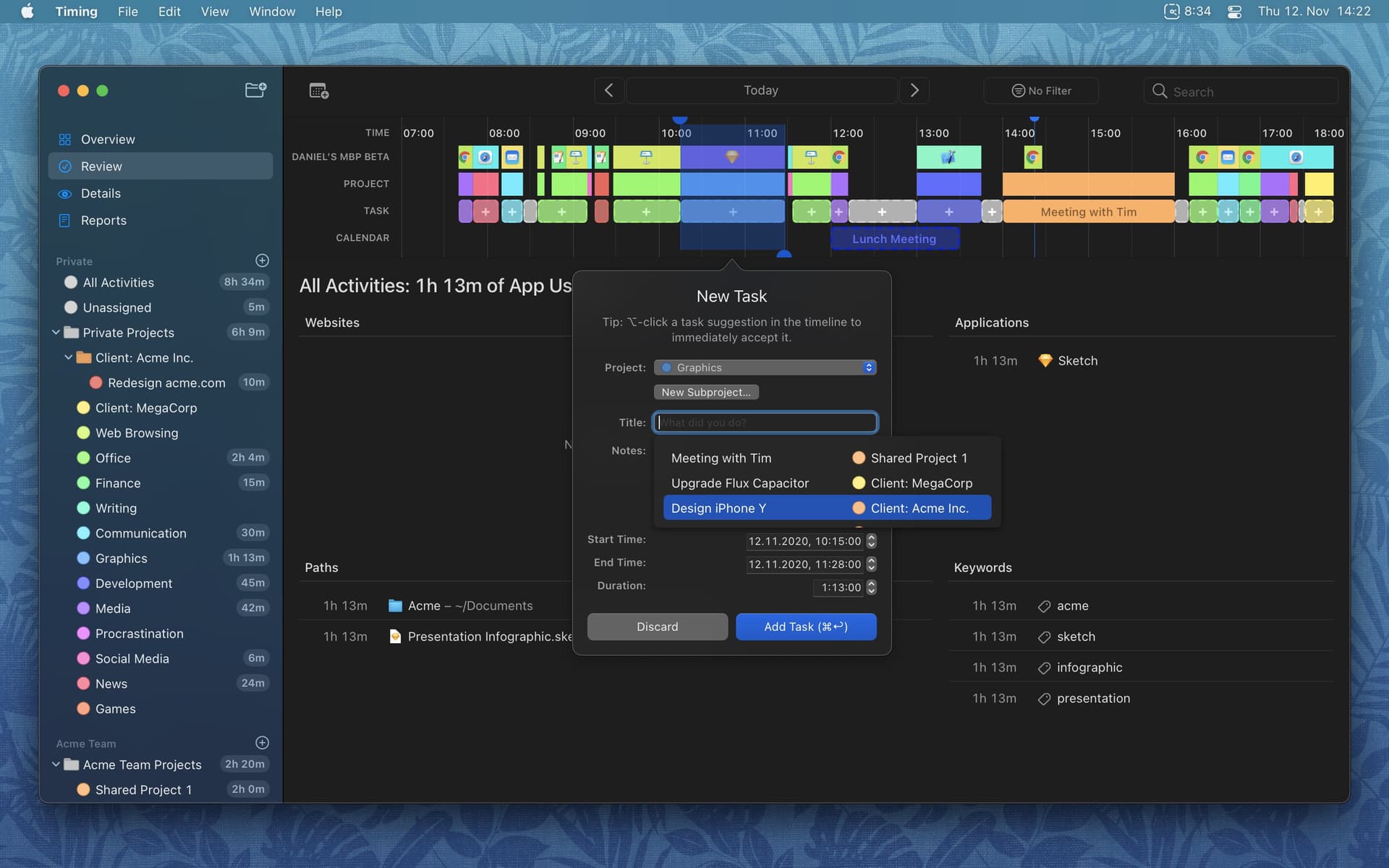
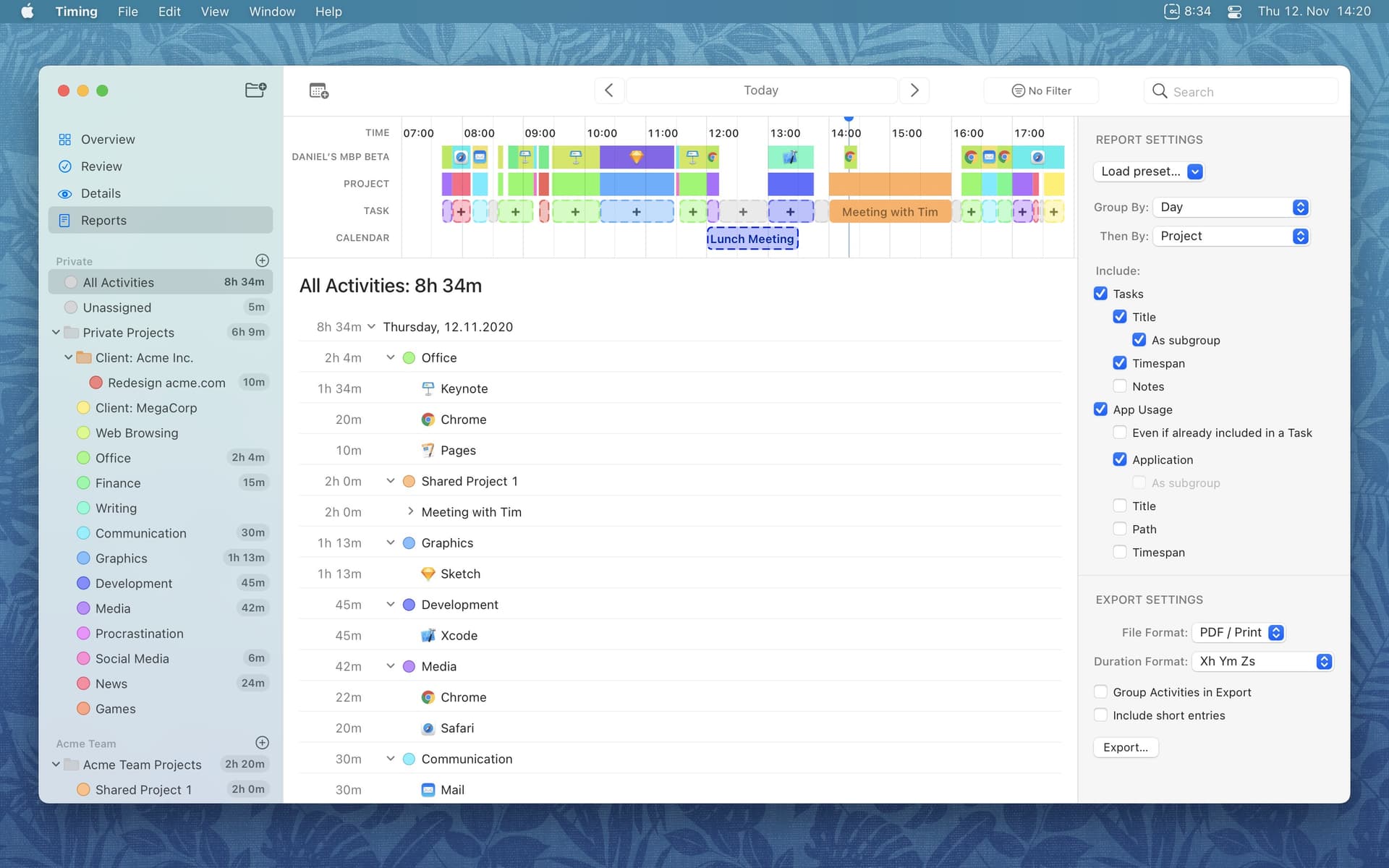
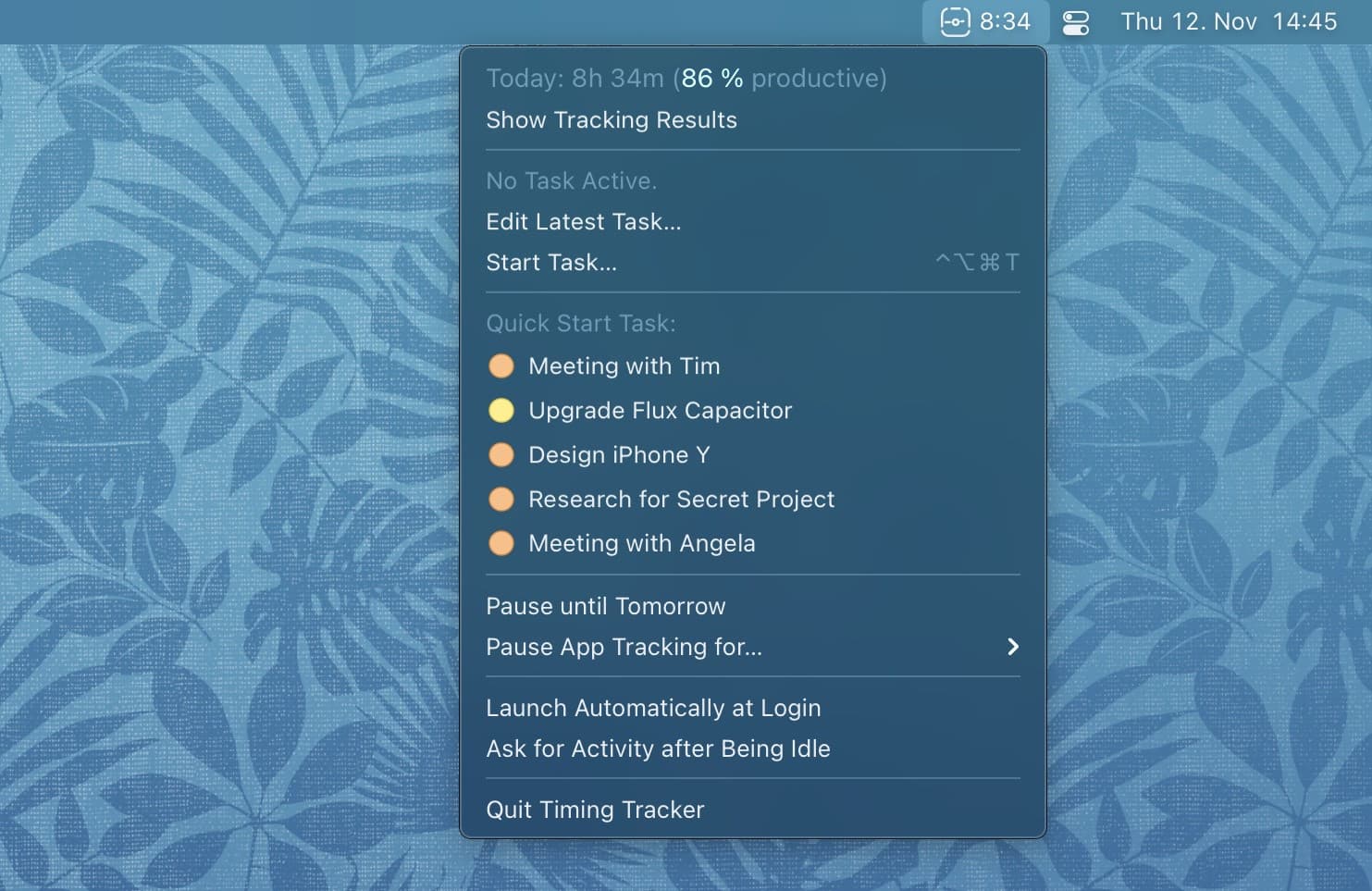
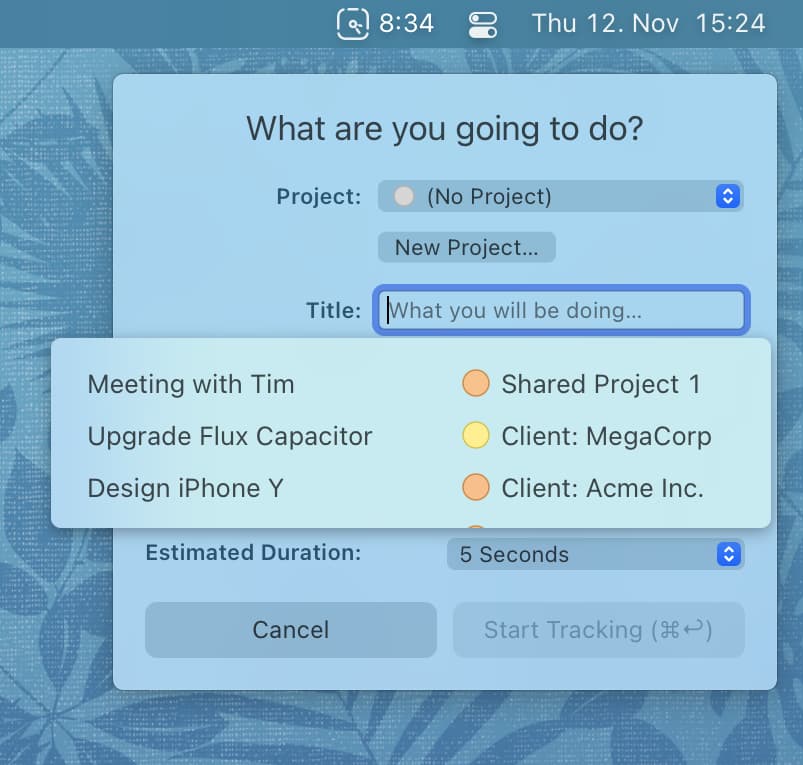
Timing is an automatic time tracking app for Mac. It records your work automatically and produces timesheets that you can trust, even when you forget to start a timer. The app offers smart suggestions to help you assign your time and combine blocks of time that belong together. Timing supports tracking all your favorite apps, including web browsers, remote work tools, office apps, note-taking tools, and more. The app also offers privacy-friendly time tracking for teams and can automate your time tracking with rules. A free 30-day trial is available, with no credit card required.
| Initial release | |
|---|---|
| Price | 96.0 |
| Platforms | Mac |
| Category | Productivity |
| Website | timingapp.com |
| Compatibility | |
|---|---|
| Mac | 10.15 |
Timing 2026.6.1 Changes in version 2026.6.1: • Faster: Timing launches faster, uses less memory, and groups activities faster in the Activities view, the timeline and reports. Exports of reports to CSV, HTML, JSON and Excel are much faster, and reports with rounding no longer slow down when many of their lines overlap. • Added support for tracking website URLs in Yab, Ardia, Aside and Crest, and improved tracking for Dia, JetBrains IDEs and private windows in Opera, Opera GX and Tor Browser. • MCP server: • The MCP Server settings page now warns when Node.js seems to be missing, which the Claude desktop app needs to connect to Timing, and links to the installation steps. • AI agents that had to register again, for example after an update, no longer fail to connect until you revoke them. • The project drop zone now reuses an existing project with a matching rule instead of creating a duplicate. • Fixed a crash of the Timing tracker with certain project rules. • Bug fixes and improvements in the project and filter editors and the sidebar, the Timing tracker, installing updates, report exports and printing, plus translation improvements. Please note: Timing now requires macOS 14.4 or later. Version 2026.6 could crash at launch on macOS 14.0 to 14.3; if your Mac runs one of these versions, please update macOS in System Settings > General > Software Update first. Changes in version 2026.6: New: a redesigned Settings window. Timing's settings now open in a window with a sidebar, and every pane has been rebuilt and reorganized. The Settings guide walks through each pane. Some highlights: • A new Menu Bar pane with a live preview of the menu bar item. • Rule Order shows what each project's rules match, with a section per team and a project search. • Each integration has its own page under Integrations; Calendar has moved there too. • The MCP Server page lists every authorized AI agent and lets you revoke it. • Sync Now in Account, and a new Privacy pane. A rebuilt rule editor for project rules, filters and Settings > Exclusions: it is much faster with long rules, easier to use in general for both new and power users, and looks better. You can find more information in the rules documentation. Other improvements: • MCP server: AI agents can look up Timing's help pages, plus several fixes. • Added more cases where Timing can recognize private and incognito windows in Chrome, Brave, Vivaldi, Comet, Firefox and Zen. • Links in notes of time entries and projects are now clickable. • Improved the design of the in-app support form. • The timeline orientation switch has been removed from the toolbar. It is still available from the View menu. • Worked around a bug in macOS 27 that could lead to increased memory use and slowing the app down over time. • Reduced CPU use of Timing when the main window is hidden. • Fixed a crash at launch with damaged project rules. • Faster reports over long date ranges. • Fixed AI summaries not appearing after signing in on a new Mac. • Various other fixes and translation improvements.

Menubar Timer & Task Manager

Simple & powerful time tracker
Time tracking & timesheets
Worked Hours & Timesheets

Worked Hours & Timesheet

Clock in and out hours tracker